Portraits into short clips
Turn profile photos, portraits, and daily shots into subtle motion videos for TikTok, Reels, Shorts, and social posts.
Upload a portrait, pet, product image, or old family photo. Pick a template and create a short video for TikTok, Reels, product pages, and memories.
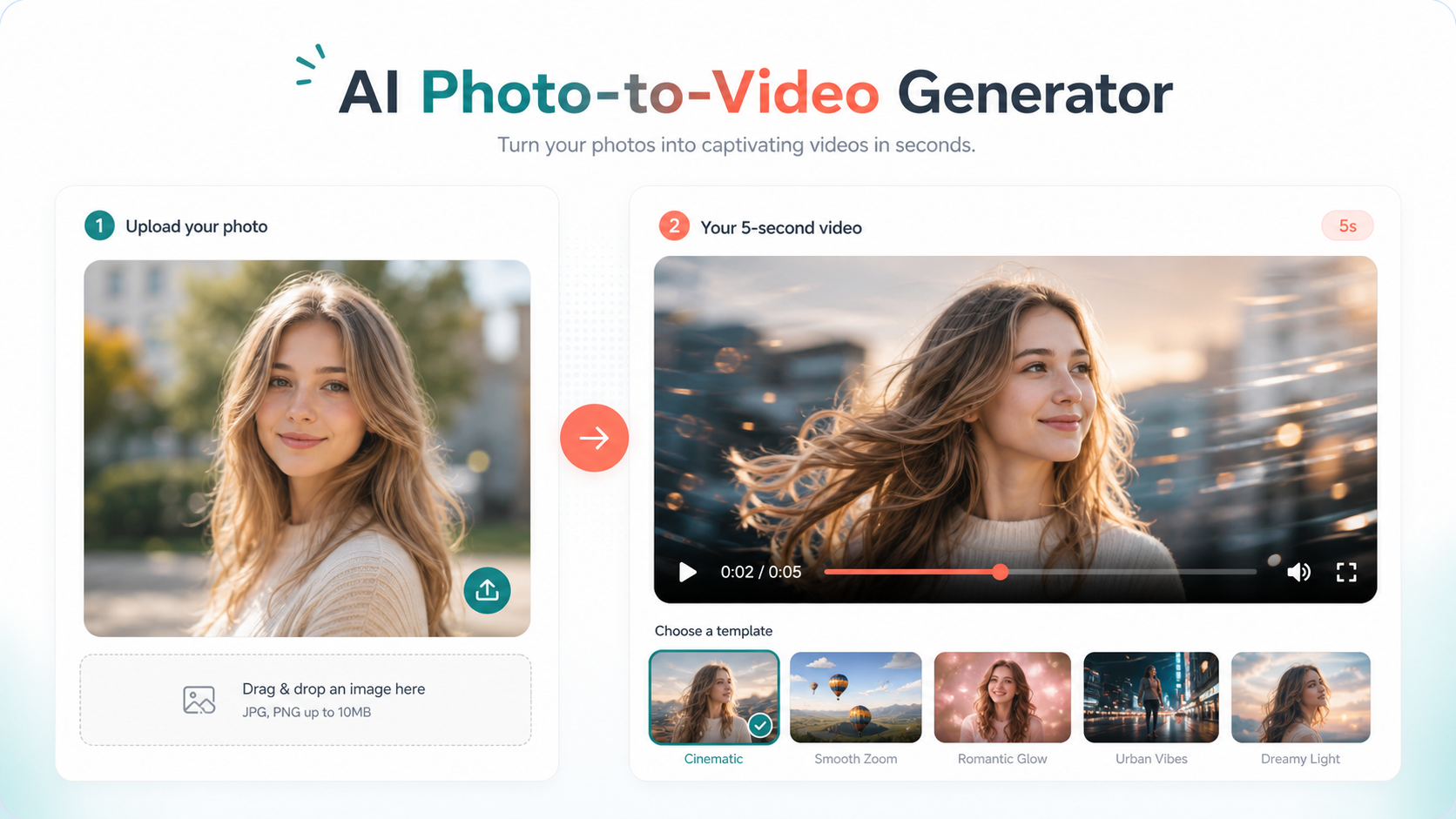
Upload one portrait, pet photo, product image, or old family photo, then turn it into a short video for social posting, memories, or product pages.
Turn profile photos, portraits, and daily shots into subtle motion videos for TikTok, Reels, Shorts, and social posts.
Add motion to product photos, model images, and lifestyle scenes for landing pages, marketplaces, and paid social tests.
Create gentle motion for pets, family portraits, and old photos for holiday greetings, memory pages, and private sharing.
Start with scenes that are easier to deliver well: portraits, products, pets, and old photos. More seasonal, wedding, avatar, and product templates can be added later.
| Template | Best upload | Result style | Common use |
|---|---|---|---|
| AI Kiss Video | Couple photos, anniversary photos | Soft romantic motion and close-up atmosphere | TikTok, Reels, Shorts, Xiaohongshu |
| Product Video Ad | Product photos, model shots, lifestyle scenes | Push-in motion and ad-style product focus | Shopify, Amazon, product pages, paid ads |
| Pet Animation | Cat and dog photos, pet shop assets | Blinking, small head motion, cute loops | Pet accounts, pet stores, social posts |
| Old Photo Alive | Old portraits and family memories | Gentle blinking, smile, subtle expression | Family memories and holiday greetings |
FrameVela AI focuses on turning still photos into short videos, instead of becoming a complex video editor. It is built for quick publishing, creative testing, and practical content production.
Templates are built around portraits, pets, products, and old photos so users can create publishable clips without learning editing software.
Aspect ratios, quality settings, duration, and prompts are shaped for TikTok, Reels, Shorts, product pages, and ad creatives.
Preview first, then decide whether to spend credits for more variants, HD exports, or no-watermark downloads.
Use these short guides before spending credits. They explain which photos work, how to reduce distortion, and where photo-to-video clips are most useful.
Learn how to choose clear photos, avoid distortion, and use lower-motion prompts when faces or products matter.
Understand why duration, quality, retries, and provider cost affect the real price of AI photo-to-video generation.
Explore practical workflows for ecommerce product ads, pet animation clips, and old family photo memories.
These answers help visitors understand FrameVela AI, credits, login, refunds, watermark exports, and commercial usage.
It is an online tool that combines one uploaded photo, a motion prompt, and a template to create a short AI video.
Portraits, couple photos, pet photos, product shots, model images, and old family photos are strong starting points.
Starter credits are useful for checking the result. HD no-watermark exports and additional variants use credits or a paid pack.
Credits are used for previews, HD no-watermark exports, and batch generation. A standard 4-second 720p clip uses 2 credits.
The Commerce Pack is designed for product video templates and commercial export workflows for stores and ads.
General tools are open-ended. FrameVela AI focuses on photo-to-video templates so outputs are closer to ready-to-publish assets.
Yes. Until long-term object storage is enabled, generated provider links may expire. Open or download useful outputs soon after generation.
If a generation fails technically, credits are designed to return automatically. Successful but imperfect AI outputs are not automatically refunded because AI video results can vary.
Email login keeps purchases, credits, and generation history attached to your account, even if you clear browser storage or switch devices.
For credits, payments, or failed jobs, email support with your account ID from /account, the approximate time, and a short description. Do not send private photos unless support asks.
Use credits to unlock HD no-watermark exports and generate more variations.